
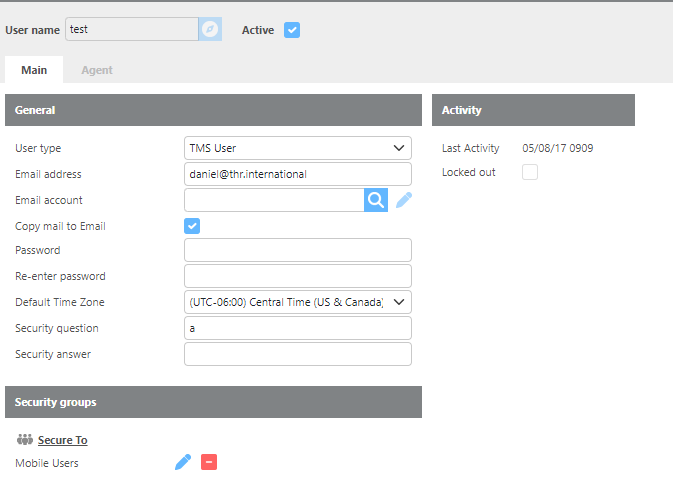
Many windows in the Ditat TMS have a Record ID. This identification system works the same way throughout the platform.

Creating a Record ID
To create a Record ID, it is important to understand the difference between the Tab key and the Enter key:
-
Tab – Used to create or open a record. Type the new Record ID and press Tab. If the ID already exists, Ditat will open that record. If it does not exist, a new record will be created.
-
Enter – Used to search for a record. Type all or part of a Record ID in the lookup field and press Enter to search for records containing those characters.
ID Requirements
Record IDs are used throughout Ditat for users, drivers, trucks, trailers, and more. All Record IDs must follow these rules:
-
No longer than 25 characters
-
May contain letters, numbers, and certain special characters
Valid characters for IDs:
ABCDEFGHIJKLMNOPQRSTUVWXYZabcdefghijklmnopqrstuvwxyz0123456789-.,&/:;#)(