
Navigation: Dispatch → Set Up Late Reasons
Click here for information on how to use a set up window.
Overview
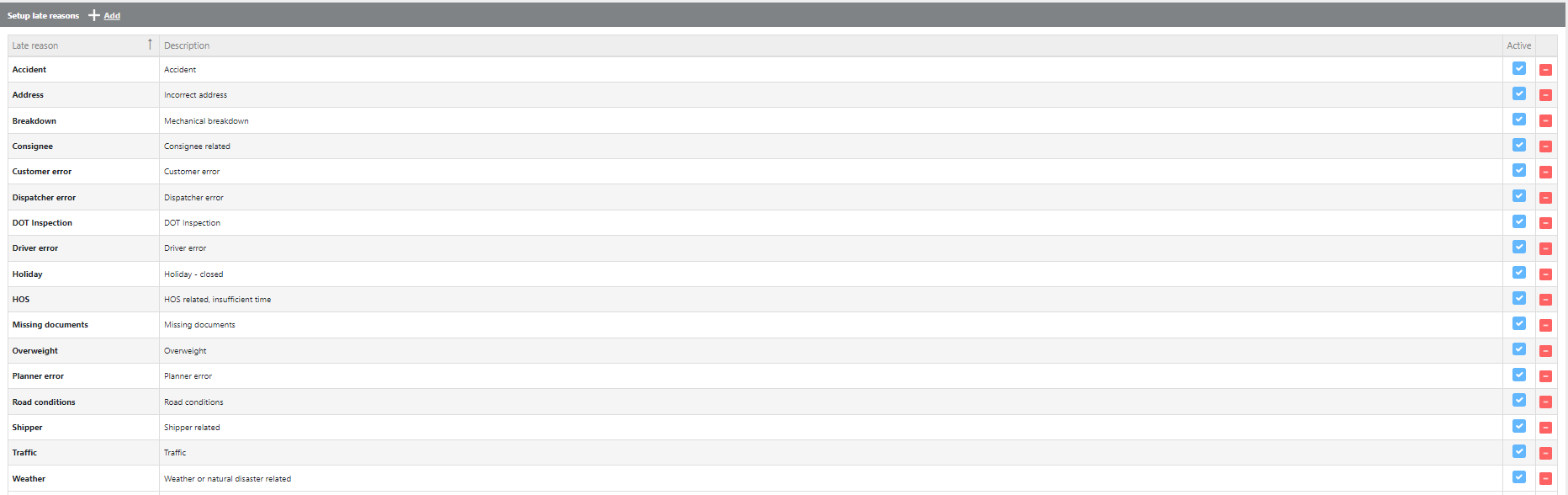
Use this tool to create and maintain a directory of late reasons that can be applied to check calls and trips throughout the system.
Managing the Late Reasons Directory
-
To add a new late reason, click the Add button, then enter the Late Reason ID and description.
-
To edit an existing late reason, click once in the description field and update the entry.
-
To activate or deactivate a late reason, toggle the Active checkbox on or off.
-
To delete a late reason, click the red X next to the entry.