What You Should Know About Vendor Data Integration
-
Ditat TMS does not retrieve vendor information from QuickBooks.
-
Ditat TMS creates and updates vendors as Vendors in QuickBooks.
-
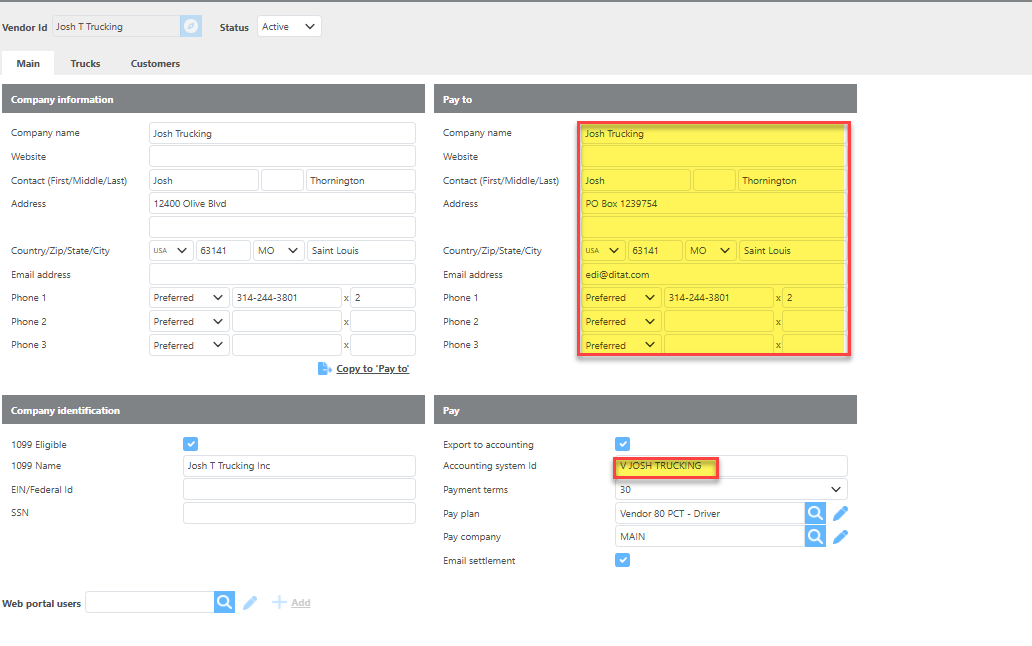
Before exporting, Ditat TMS checks whether a vendor with the same Accounting ID already exists in QuickBooks. If it does, the existing vendor record will be updated with the information from Ditat.
-
Ditat TMS will create a new Vendor in QuickBooks only when a Vendor Bill, credit memo, or advance linked to the vendor needs to be exported.
-
If no vendor with a matching name exists in QuickBooks, Ditat TMS will create a new Vendor using the vendor's Accounting ID as the vendor name.
Fields exported to QuickBooks