
After the Ditat Mobile Dispatch app is installed on the device, complete the following steps to log in for the first time:
-
Open the app – Tap the Ditat icon to launch Ditat Mobile Dispatch.
-
Log in – Enter your Account ID and user credentials, then tap Log In.
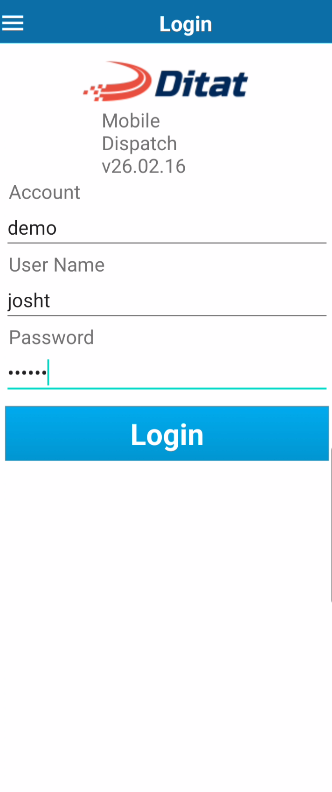
Note: Your Account ID can be found in the "Welcome" email sent to you during initial setup. Click here for instructions on how to set up a user in the Ditat TMS.