

This report is designed to show you details about users and what groups they are in. The report can be run to see what groups a user is in or which users are in a group.
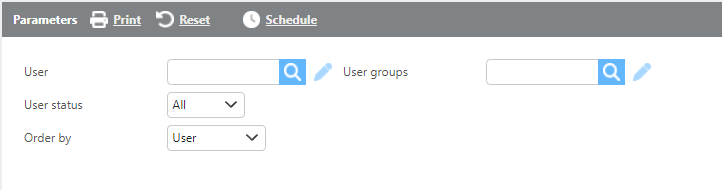
|
Field |
Description |
|
User |
Select a specific user to see what groups they are in. |
|
User groups |
Select a specific group to see what users are assigned. |
|
User Status |
Select a user status from All, Inactive, or Active. |
|
Order by |
Select how you would like the results to be ordered. |
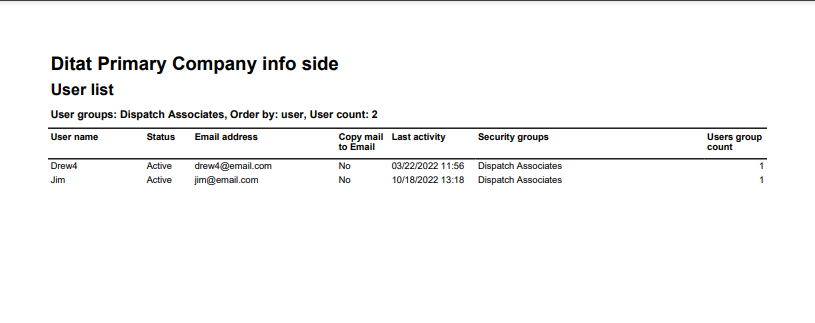
|
Field |
Description |
|
User name |
The user name will be displayed here. |
|
Status |
The user status will be displayed here. |
|
Email address |
The email address associated with the user will be displayed here. |
|
Copy mail to email |
The users copy mail to email setting will be displayed here. |
|
Last activity |
The users last activity will be displayed here. |
|
Security groups |
The security groups the user is assigned to will be listed here. |
|
Users group count |
The number of groups the user is assigned to will be displayed here. |