Note: All integrations must be enabled by Ditat before use. For details and pricing, contact sales@ditat.com.
Main
|
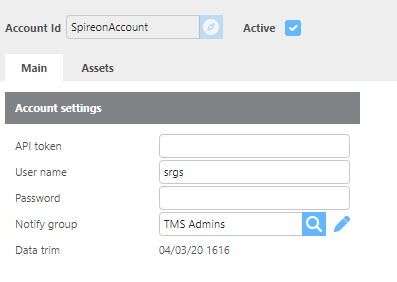
Field |
Description |
|
API Token |
Enter the API token provided by Spireon to access account data. |
|
Username |
Enter the username provided by Spireon for this account. |
|
Password |
Enter the password provided by Spireon for this account. |
|
Notify Group |
Select the group that will be notified if any communication issues occur with this account. |
Assets
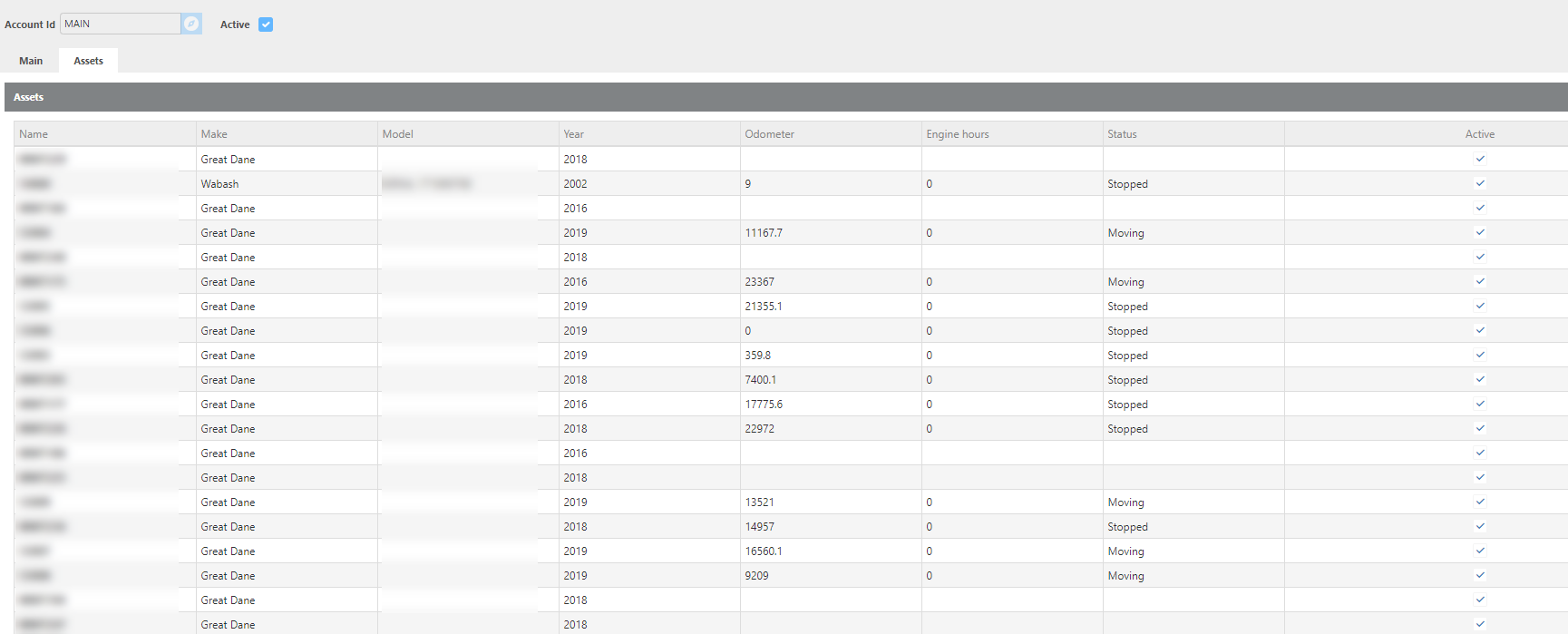
This screen displays the asset information being sent from Spireon into Ditat. Use this screen to determine which devices should be added and mapped to trailers in the system.