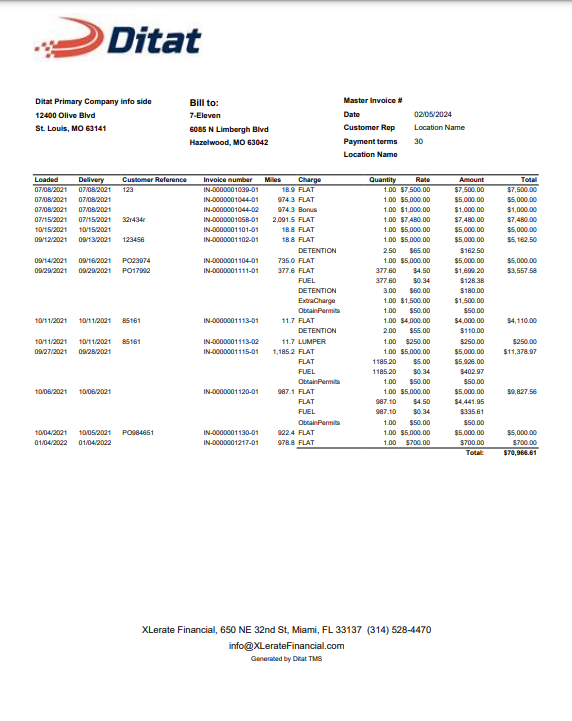
This report generates a summary of all invoiced shipments for a specific customer.
Summary of all invoiced shipments for a customer.
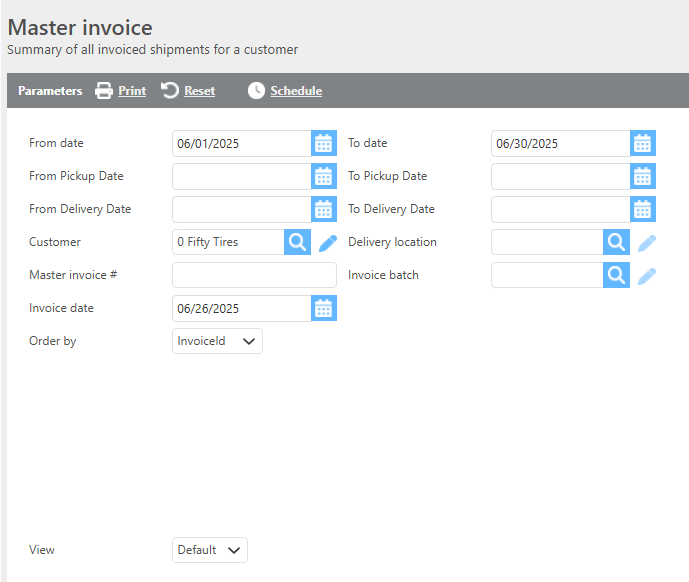
Report Parameters
|
Field |
Description |
|
From/To date |
Enter a date range to filter invoices by invoice date. |
|
From/To pickup dates |
Enter a date range to filter results by pickup date. |
|
From/To delivery dates |
Enter a date range to filter results by delivery date. |
|
Customer |
Select the customer this report should be run for. This field is required. |
|
Delivery location |
If a delivery location is selected, only data associated with that delivery location will display. |
|
Master invoice # |
Text entered in this field will appear in the Master Invoice section of the report. |
|
Invoice batch |
Enter an invoice batch number to filter results to that batch. |
|
Invoice date |
The date that will appear as the master invoice date. Defaults to the current date. |
|
View |
Select which view to run the report in. See view options below. |
|
Order by |
Select how the data should be ordered on the report. |
View: Default
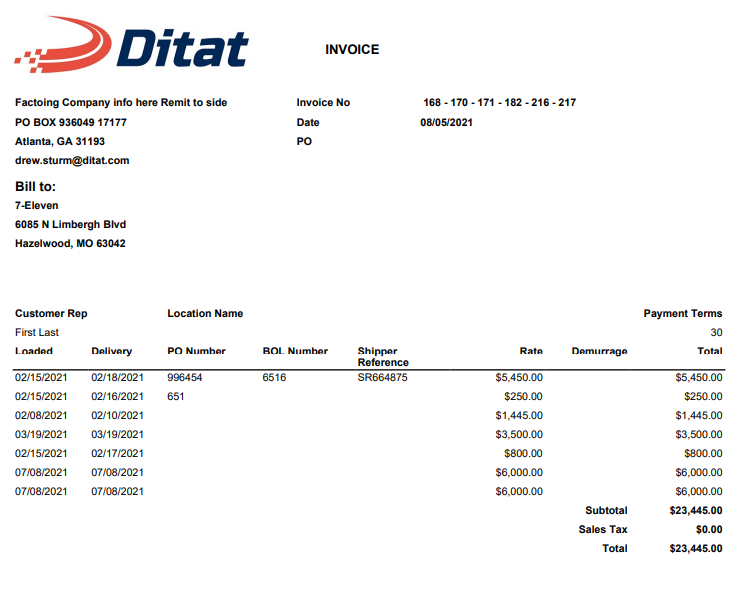
Standard master invoice summary layout.
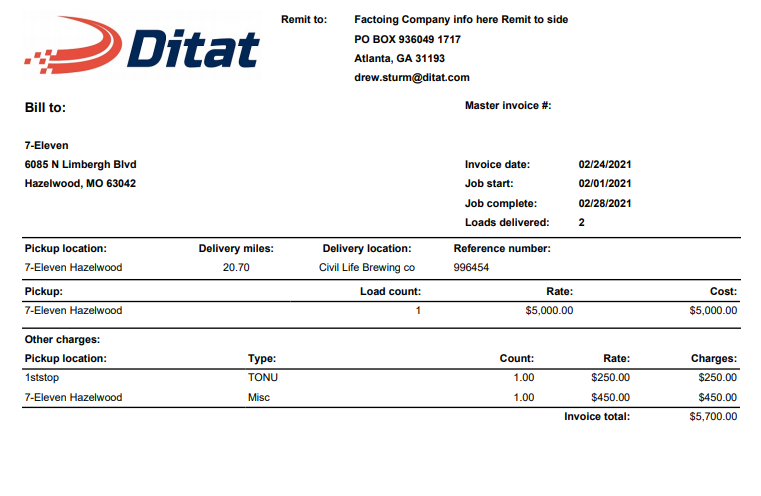
View: 2
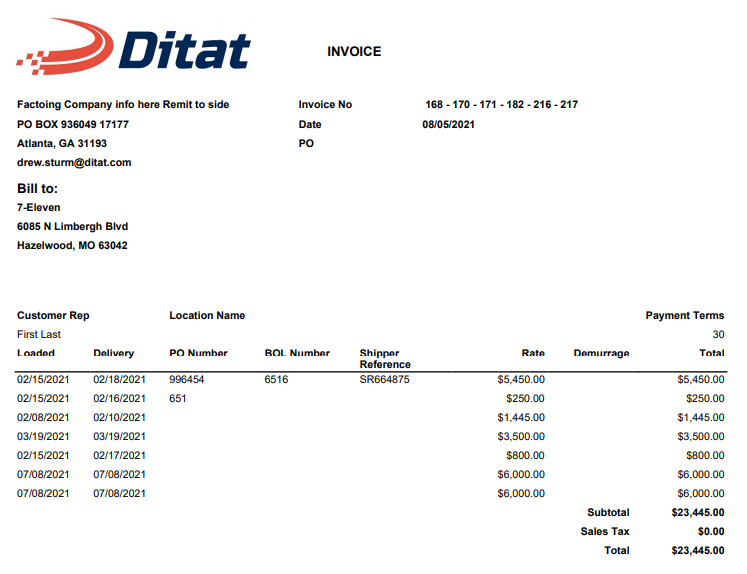
View: 3
View: 4
View: 5
View: 6